
What Is IPTV?
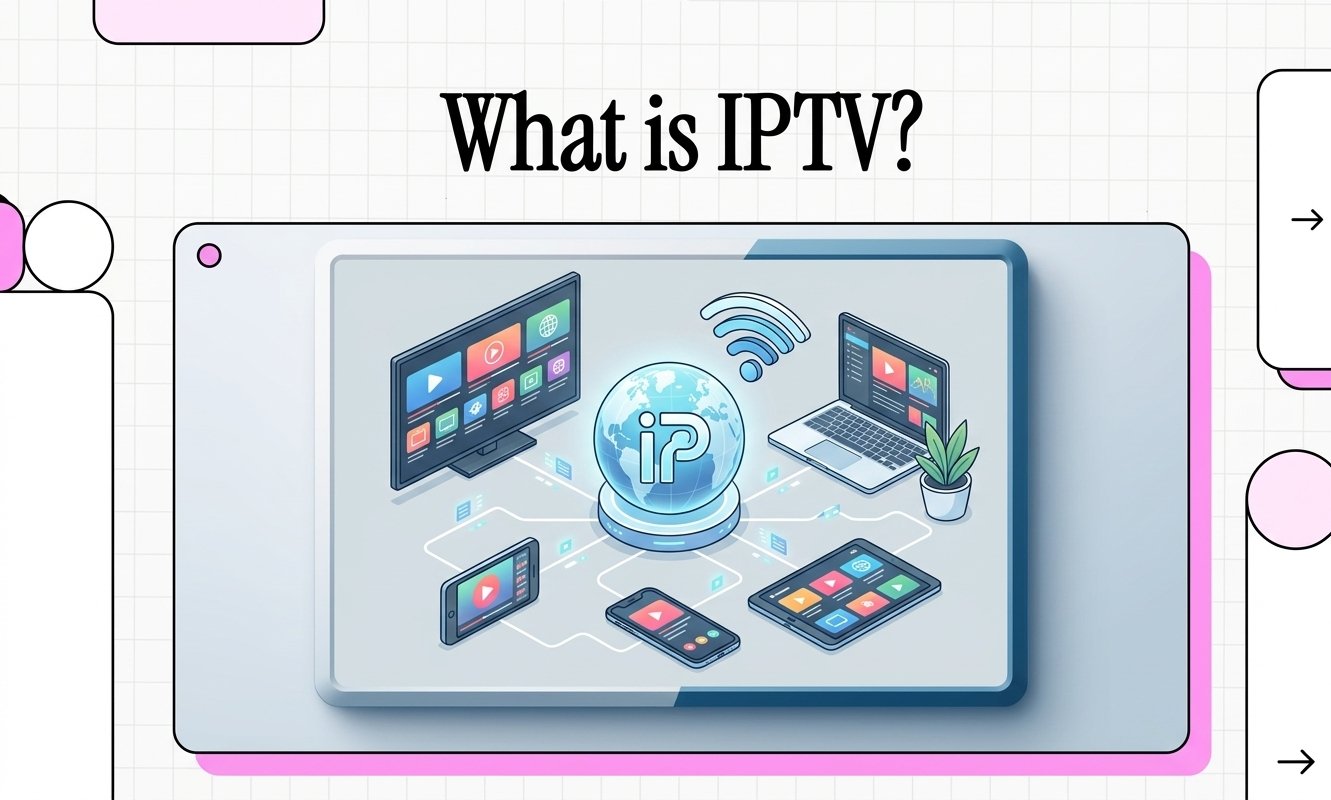
If you have heard people talking about IPTV but are still not sure what it actually means, the idea is simpler than it sounds. IPTV is television delivered through an internet protocol network instead of relying on a traditional cable, satellite, or terrestrial television signal.
The important part: IPTV describes how television or video is delivered. It is not the name of one particular app, device, or subscription.
IPTV in one simple explanation
Forget the technical terminology for a moment. Here’s the basic idea.
IPTV stands for Internet Protocol Television. Instead of receiving television through a traditional broadcast, cable, or satellite signal, video is delivered as data over an IP network and then played on a compatible device.
IPTV explained in a few minutes
Want the quick version? Watch our explanation before continuing through the guide.
A simple visual introduction to Internet Protocol Television.
How does the delivery actually work?
You do not need to understand networking to use IPTV, but knowing what happens behind the scenes makes the whole concept much easier.

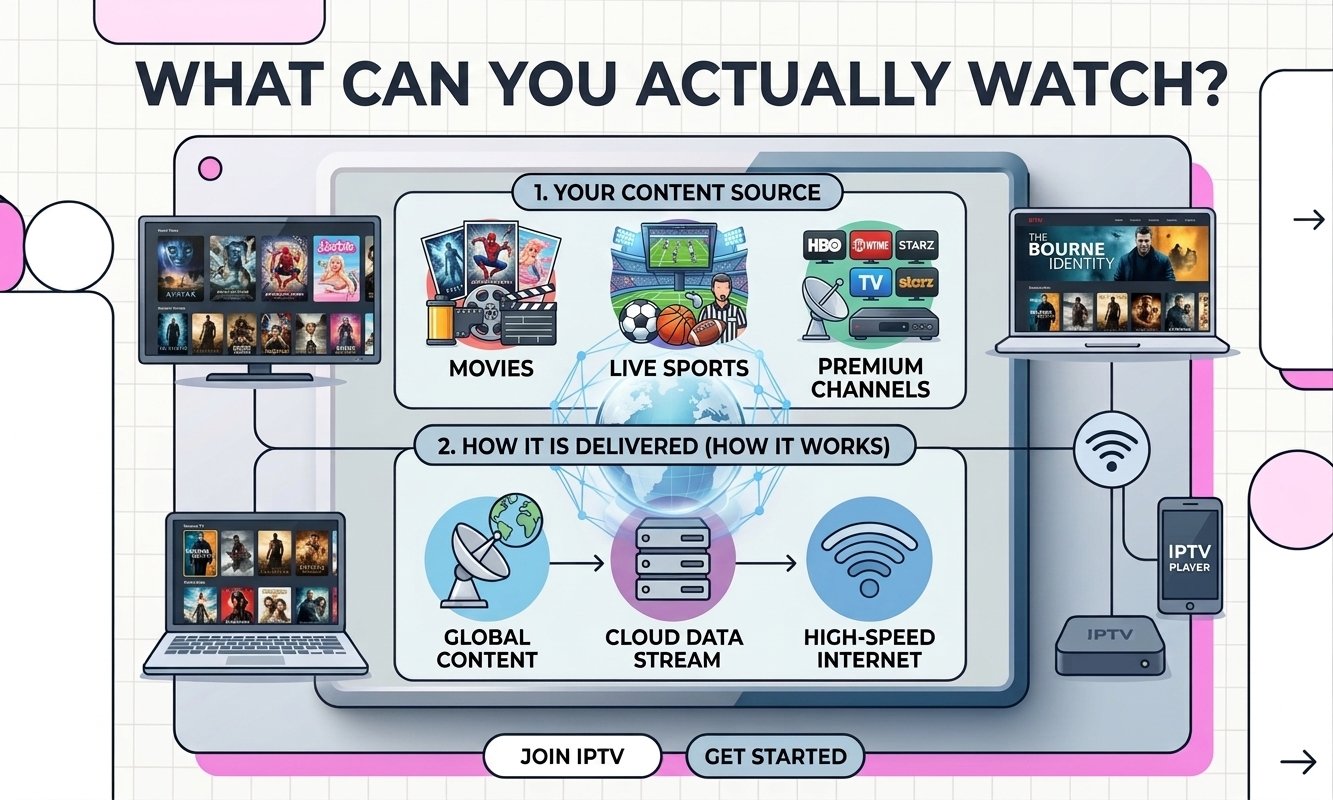
Content source
A broadcaster, content owner, or authorized distributor provides the video content.
Video preparation
The video is encoded and prepared so it can be delivered efficiently over a network.
Network delivery
Video data travels through an IP network toward your internet-connected device.
Playback
Your compatible app or player receives the stream, decodes it, and displays the picture and sound.
What can you actually watch?
IPTV can support different viewing formats. What is available depends on the service and the rights behind the content.
Live TV
Watch television channels as they are being broadcast, depending on the service.
On-demand video
Choose a movie, series, documentary, or other video and start watching when you want.
Catch-up
Some services allow viewers to replay recently broadcast programmes instead of watching them live.
TV guide
An electronic programme guide can help you see what is currently playing and what is coming next.
How does it compare with traditional TV?
The easiest way to understand IPTV is to compare how different television models deliver content to your screen.
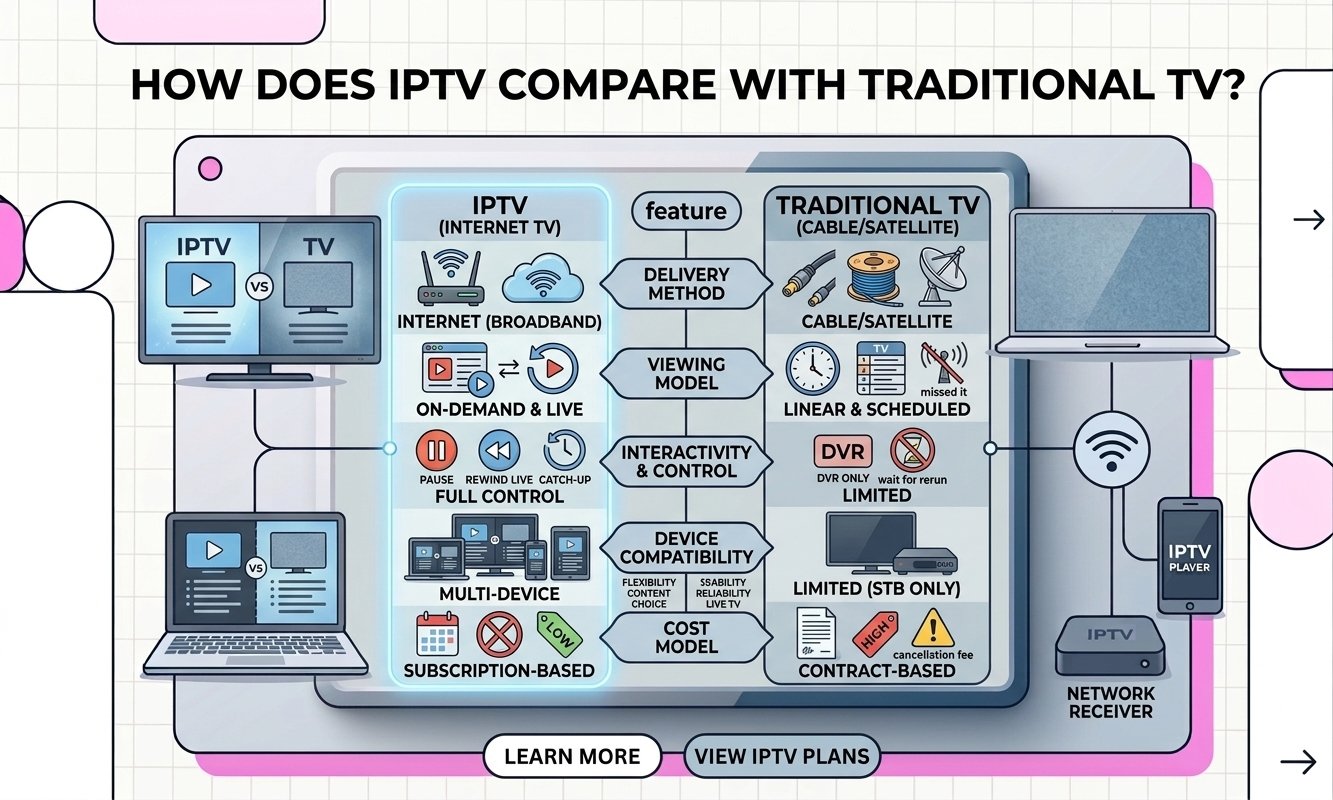
| Feature | IPTV | Cable / Satellite | Streaming Apps |
|---|---|---|---|
| Delivery | IP network | Cable or satellite infrastructure | Internet connection |
| Live TV | Can support it | Yes | Some services |
| On-demand | Can support it | Depends on provider | Core feature |
| Typical interface | Player or TV interface | Provider box / TV interface | Dedicated app |
| Internet required | Yes | Usually no for the television signal | Yes |
What do you need to use it?
The setup can be surprisingly simple. The exact requirements depend on the service and device you choose.
Internet connection
A stable connection is essential because the video is delivered over an IP network.
Compatible device
You can use a supported Smart TV, streaming device, computer, smartphone, tablet, or TV box.
Player or app
Depending on the service, you may need a compatible application or built-in player to display the content.
Authorized service
The service should have the appropriate rights or authorization for the content it distributes.
Does your internet speed matter?
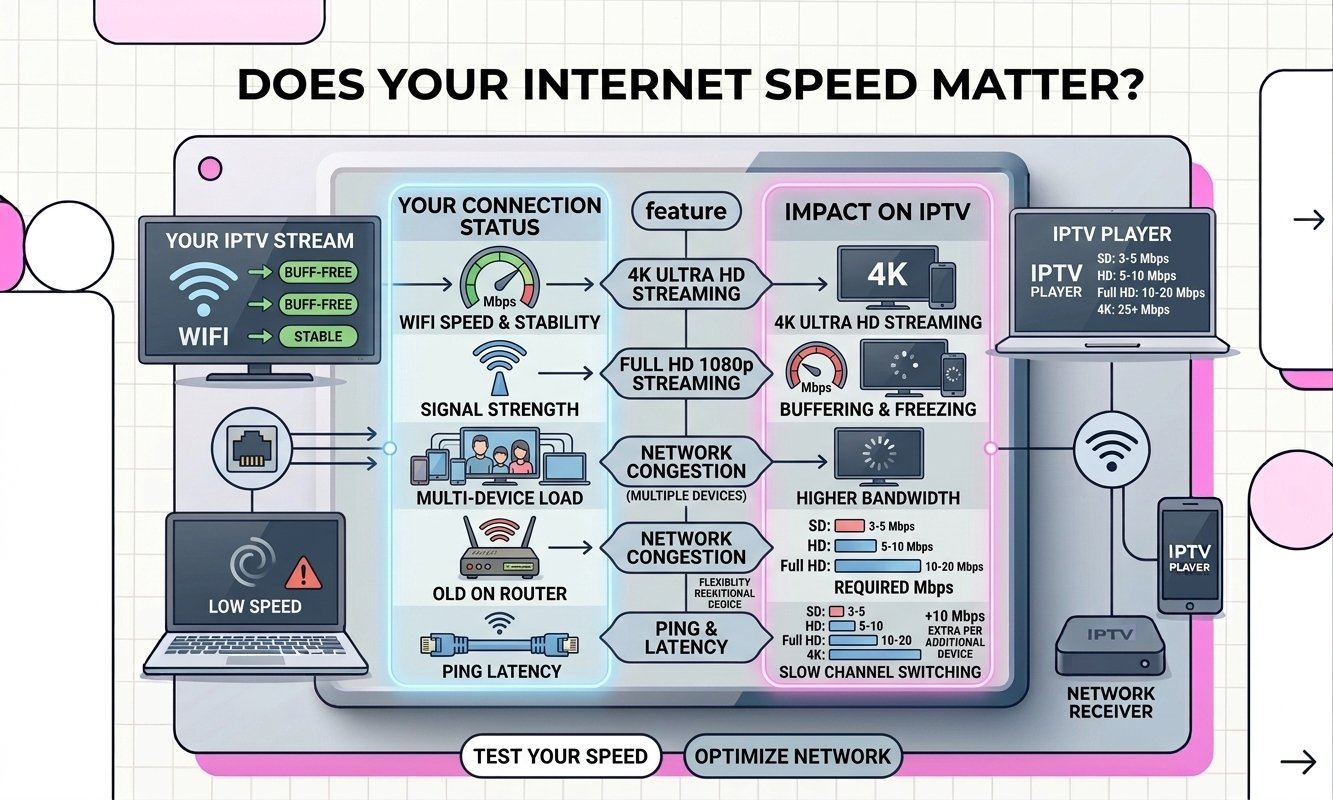
Yes. Since video is delivered through your network, connection quality can directly affect playback. However, raw download speed is not the only factor.
Which devices can you use?
IPTV playback is not limited to one type of television. Compatibility depends on the service, application and device.
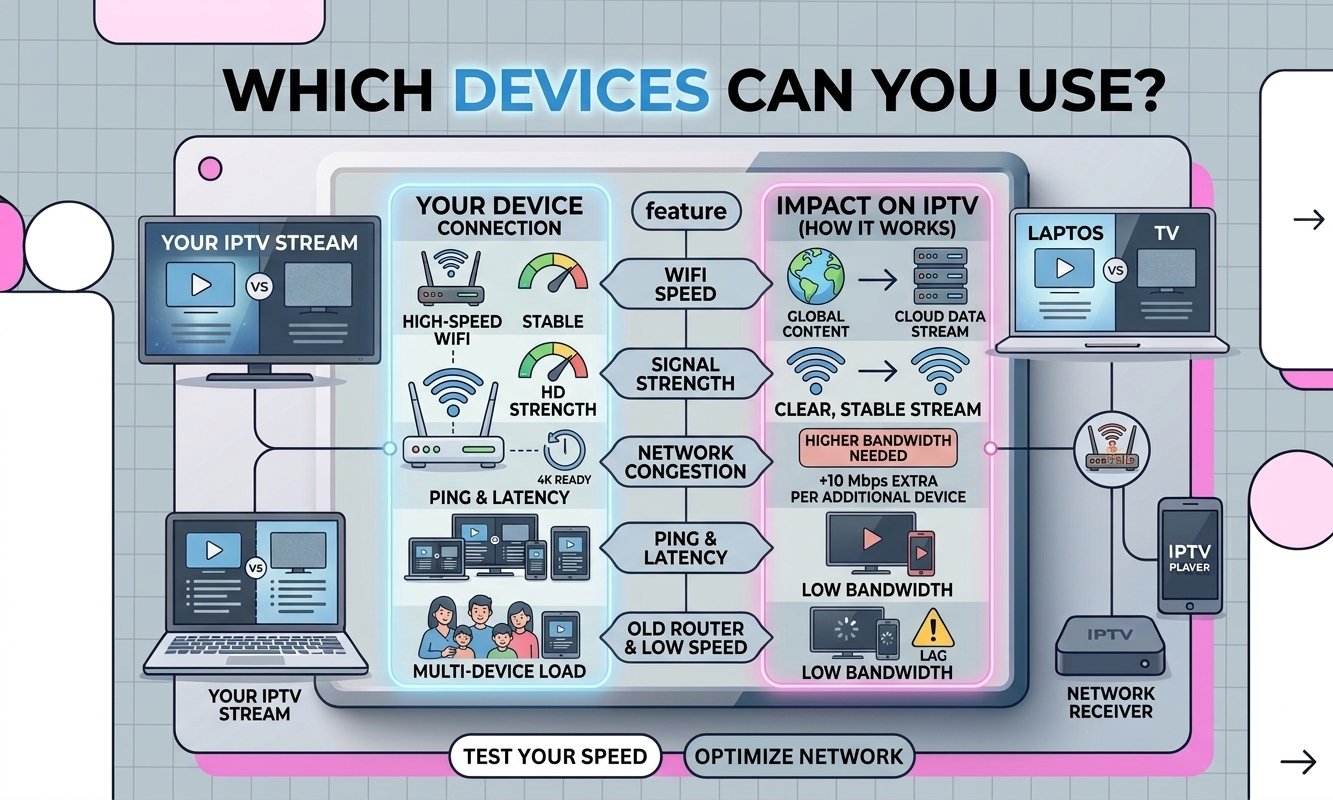
Smart TVs
Compatible Smart TV platforms can run supported streaming applications.
TV Boxes
Android TV and other compatible streaming boxes can connect to your television.
Computers
Some services can be accessed through compatible desktop or web players.
Phones & Tablets
Mobile devices can also support compatible streaming applications.
Why do people choose internet TV?
IPTV can be convenient, but it is not magic. Understanding both the advantages and limitations helps set realistic expectations.
What people like
Flexible access: content can be available across different supported devices.
Live and on-demand: services can combine live channels with other video formats.
Modern interfaces: many services provide search, categories and electronic guides.
Device flexibility: viewers may have more than one way to watch.
Where things can go wrong
Weak internet: unstable connectivity can lead to buffering or interruptions.
Device limitations: older hardware may struggle with newer formats.
Service quality varies: reliability depends heavily on the provider and infrastructure.
Content rights matter: availability and legality depend on licensing and authorization.
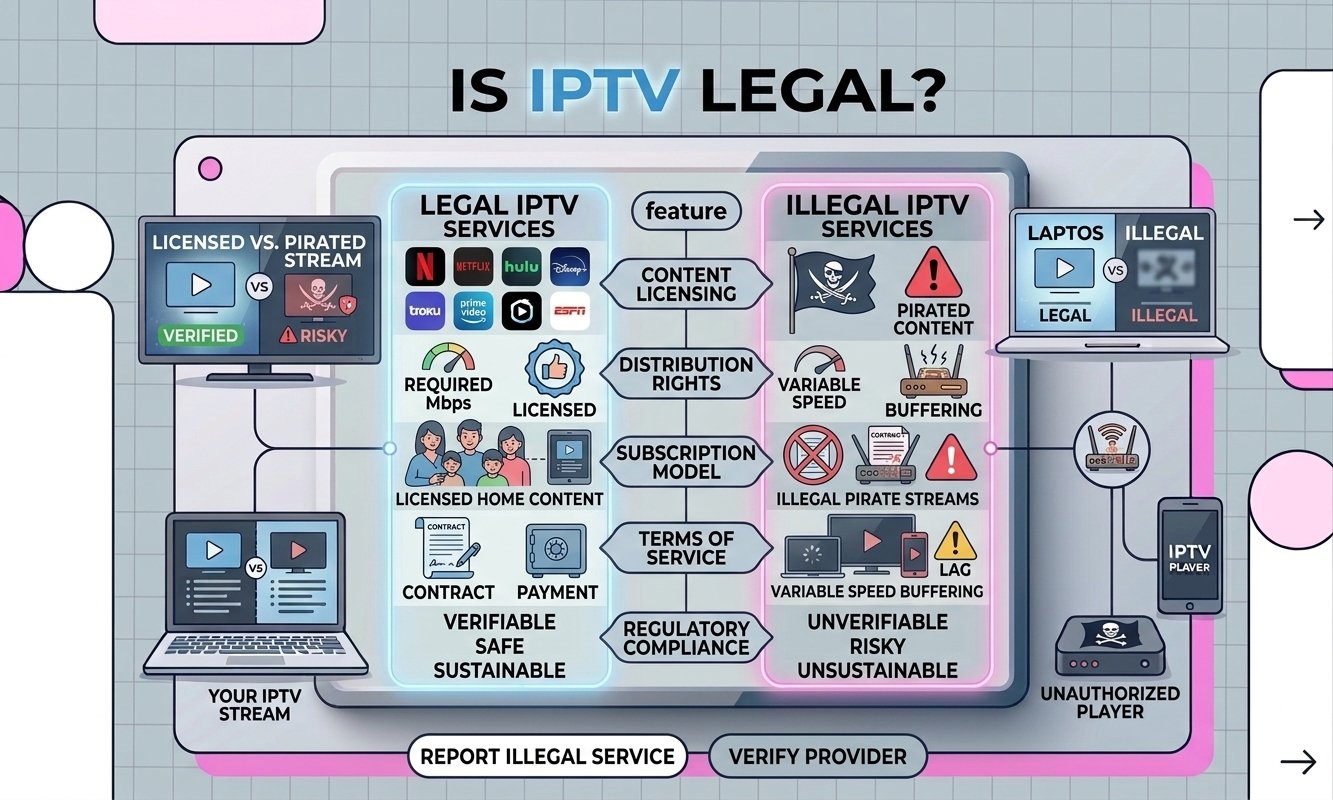
Is IPTV legal?
The technology itself is not illegal. IPTV simply describes a way of delivering television or video over an IP network.
What matters is the content being distributed and whether the service has the necessary rights or authorization to distribute it in the relevant market.
In simple terms: don’t judge a service by the word “IPTV” alone. Look at who provides the content, what rights they have, and what they are authorized to distribute.
Common questions
A few answers to the questions people usually have when they first discover IPTV.
What does IPTV stand for?
IPTV stands for Internet Protocol Television. It describes television or video delivered through an IP network.
Is IPTV the same as Netflix?
Not exactly. Netflix is a specific streaming service. IPTV is a broader term describing a method of delivering television or video over an IP network. The two can overlap in the way video reaches the viewer, but they are not the same thing.
Do I need an IPTV box?
No. A dedicated box is not always necessary. Depending on the service, you may be able to watch using a compatible Smart TV, phone, tablet, computer, or streaming device.
Does IPTV require internet?
Yes. Since IPTV relies on IP network delivery, an internet connection or compatible IP network is required for the typical consumer experience.
Why does IPTV sometimes buffer?
Buffering can have several causes, including an unstable internet connection, Wi-Fi interference, network congestion, device limitations, or problems on the streaming service’s side.
Is every IPTV service legal?
No. The technology itself is simply a delivery method. A particular service needs appropriate rights or authorization for the content it distributes.
Want to understand IPTV better?
Continue with our practical guides to learn about setup, apps, buffering, internet requirements, devices and more.